For years I have shared many multimedia files on the network via the pc (windows SMB) and everything works ok.
For a few days I wanted to try a NAS with
TrueNAS operating system, with SMB protocol, The files are regularly viewed by other PCs on the network.
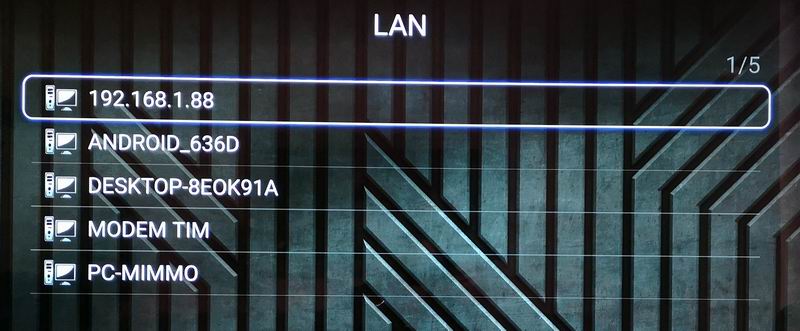
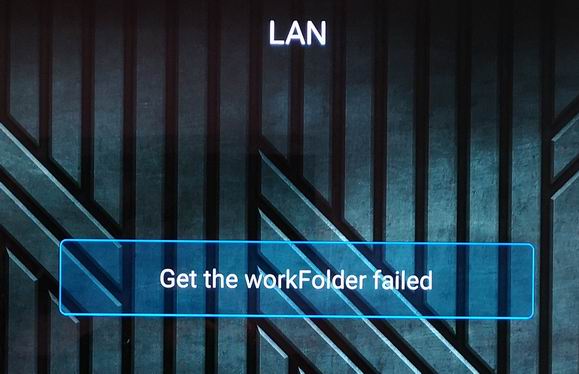
Strange behavior occurred with HiMedia. With the mediaplayer it detects the correct network ip but without any folder detected. If I use Kodi the shared folder is detected but it is not possible to play it with wrapper (Himedia player) “Mount failed”. If I use the Kodi videoplayer the file is played regularly.
This problem is only with the NAS, with the connection to pc (Windows) HiMedia works normally.
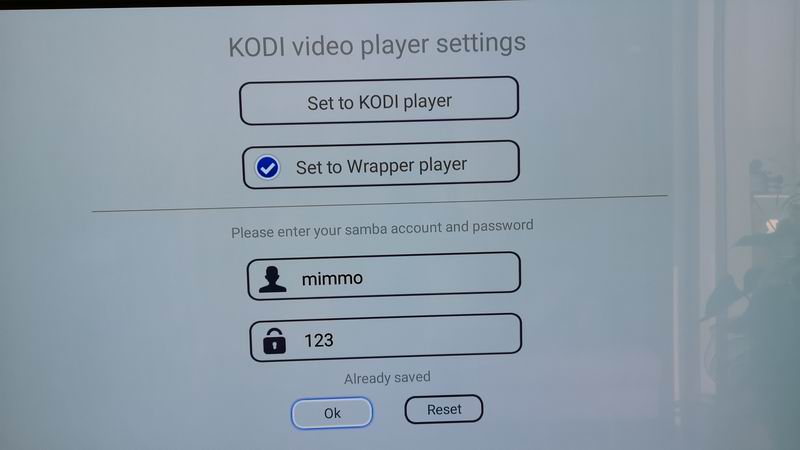
I tried to enter the credentials also in the Wrapper, the problem is not solved.
Some idea?
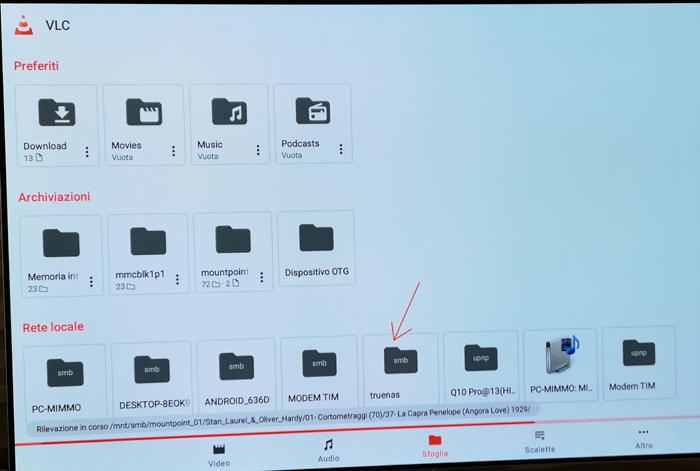
The VLC app also detected the NAS immediately and plays the file.
I have serious doubts that the problem may lie with the network and the NAS.
I am sorry for HiMedia maybe it's time to switch to Zidoo.
Thank you
MediaCenter (NAS IP: 192.168.1.88)
Kodi
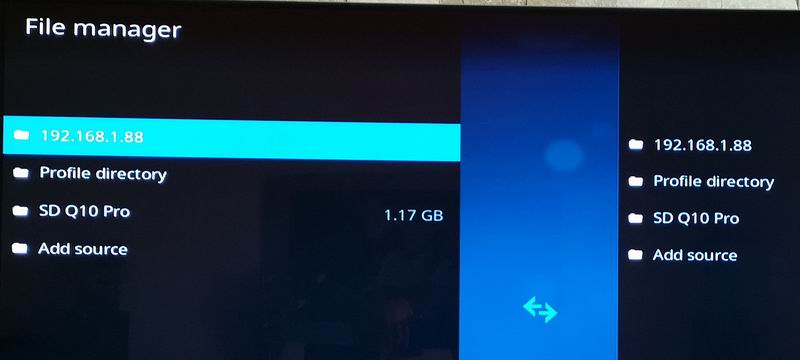
Kodi wrapper
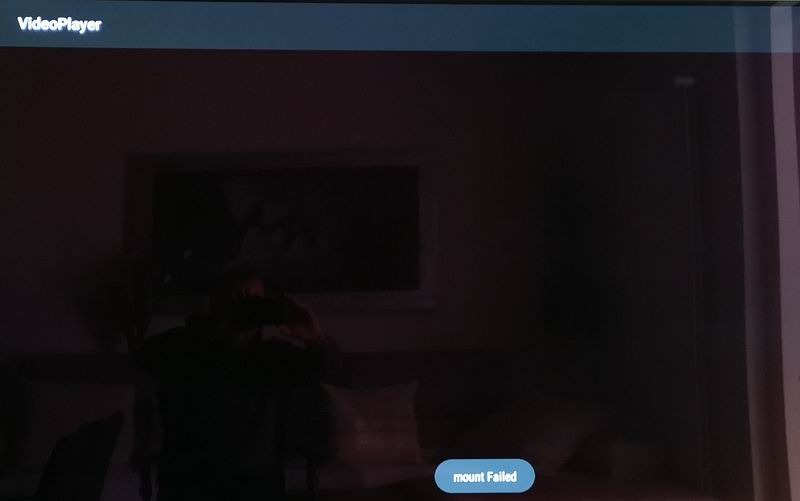
Kodi Player
VLC
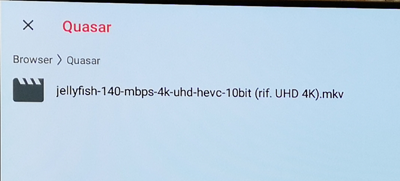
-------------------------------------------------------------------------
RESOLVEDI FINALLY SUCCESSED !!!
1- the shared folder created without spaces (example: TEST_TrueNAS)
2- I entered the same password as the NAS in the Wrapper section
 Topic: (RESOLVED!) NAS network sharing Himedia No - Kodi YES (Read 2190 times)



 INCLUDES EXPRESS 2-4 DAY DELIVERY