Download
kodi_14.2_bootlogo_bootanimation.zipRename kodi_14.2_bootlogo_bootanimation.zip to update.zip and copy to USB pen drive
Insert the USB pen drive into any USB port of the Q5/Q10 4K3D
From Launcher go to settings / Upgrade / Local Upgrade / Please Choose Drive: where update.zip is locate
Player is reboot and Android droid is show for few seconds and wait to start normal and will have
bootanimation (animate gif is more fuse(zoom) than a real bootanimation)

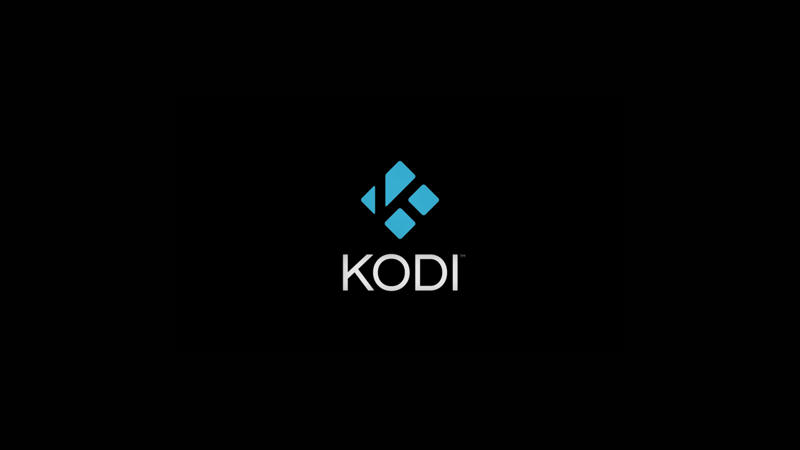
bootlogo (not good idea to be blank or black will don't know when box is stack is before or after bootlogo). This is what I choose.
If want to restore HiMedia logo and not bootanimation use this update.zip with restore button and paper clip.
Please don't request more on public forum, if you fill lucky try on private message maybe I will do if I like idea or have free time.
 Topic: Boot up logo (Read 11225 times)


 INCLUDES EXPRESS 2-4 DAY DELIVERY