UK BASED ∙ UK STOCK ∙ ESTABLISHED 2010
2 YEAR WARRANTY ∙ FAST DELIVERY
EXPERT TECHNICAL SUPPORT
FUTEKO.COM - DIGITAL MEDIA PLAYER SPECIALISTS SINCE 2010
03-AUG WE ARE CLOSED 7-AUG TO 21-AUG   27-JUL INTRODUCING UGOOS SK4 PRO   13-JUL EASY INSTALL COREELEC WITHOUT USING ADB   18-JUN R_VOLUTION FIRMWARE UPDATE 260615_2224_r24  
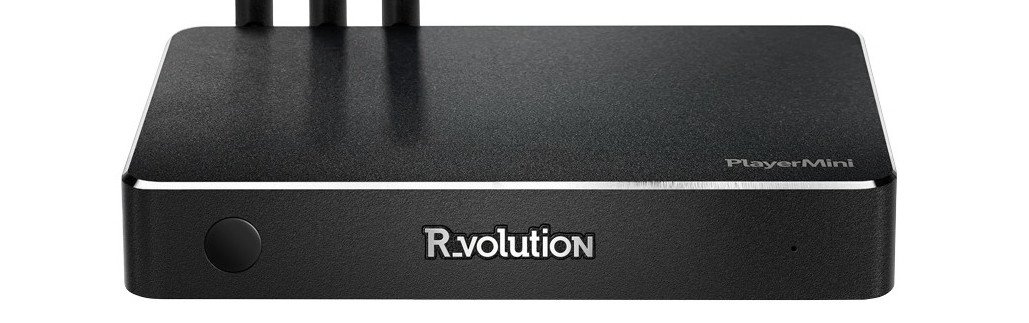
R_volution PlayerMini
4K Media Player with R_video.
  INCLUDES EXPRESS 2-4 DAY DELIVERY 
This forum was closed in October 2025 in response to sustained DDOS type attacks. It has been left up read-only to allow access to support information and downloads. Thanks to all the users who contributed over the years.

Visit futeko.com for new Audio and Video Media Players!

Author Topic: YouTube control from my Android Phone  (Read 2382 times)

ge0kas

  • Newbie
  • *
  • Posts: 6
YouTube control from my Android Phone
« on: March 12, 2017, 01:19:26 AM »
Hi guys, you re doing great work here.
I remember my previous player had a YouTube app
whereas I could link (pair) the YouTube App of my phone, load some playlist and select to play it on my phone or on the TV-player app.
How can I do similar thing with Q10 ?

futeko.com

  • Administrator
  • Senior Member
  • *****
  • Posts: 4657
Re: YouTube control from my Android Phone
« Reply #1 on: March 13, 2017, 01:07:09 PM »
Not exactly what you want but the HiMedia remote app HiControl will allow you to control Youtube from a phone. We await a new version, the current one is 1080p and Android 6 max: http://www.mediafire.com/download/8uilxt0hv70j5lo/HiControl_hmdCV200.apk

Or there are a few Youtube specific remote apps in Play Store, but I've not tested them and they get some negative reviews. https://play.google.com/store/search?q=youtube%20remote&c=apps&hl=en_GB


DELIVERY ∙ PAYMENT ∙ WARRANTY+RETURNS ∙ INTERNATIONAL TAX ∙ ABOUT ∙ PRIVACY ∙ NEWS ∙ CONTACT
© SDHDIGITAL LTD 2026
SITEMAP