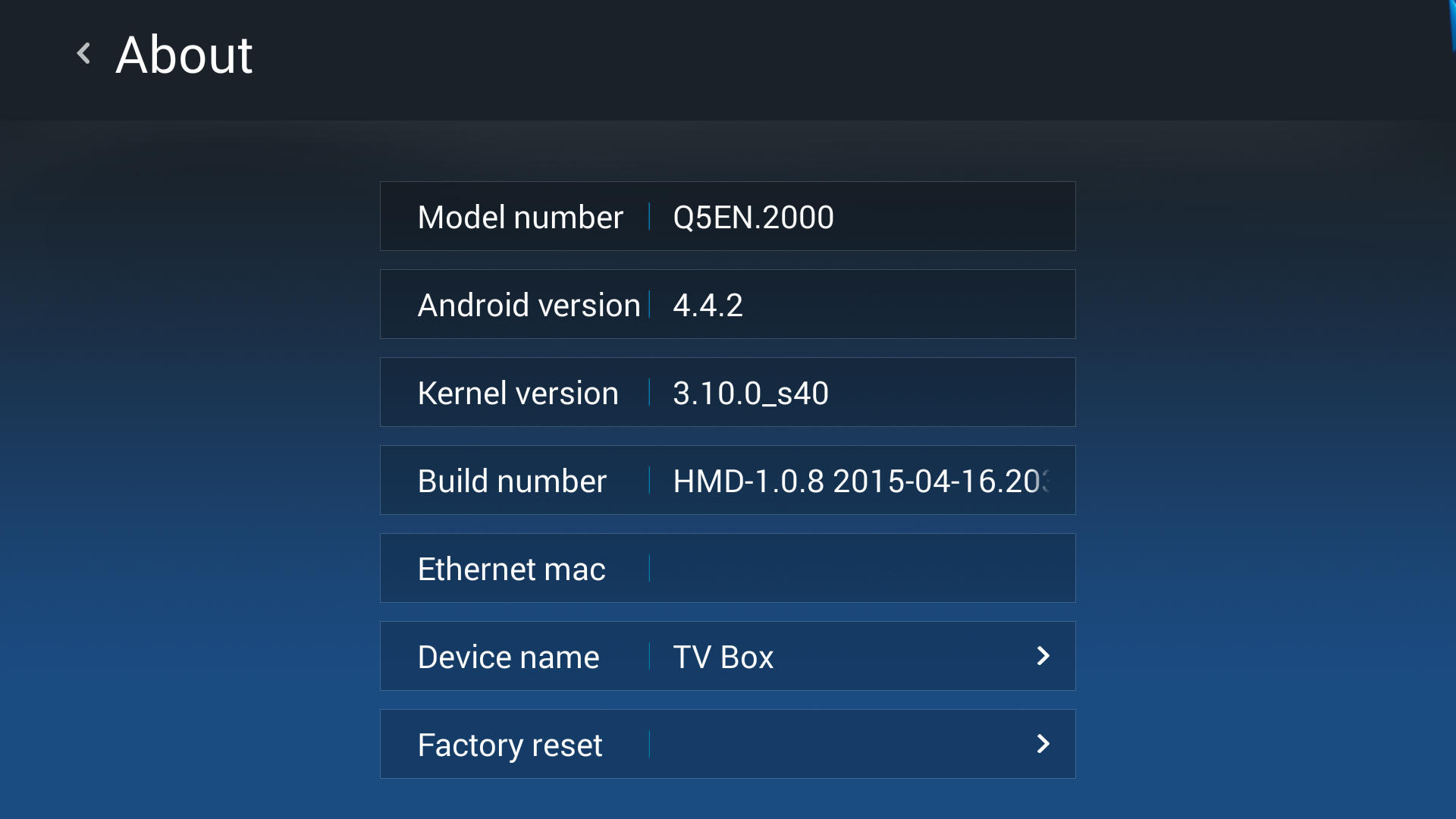
HMD-1.0.8 2015-04-16.203017
Changelog:
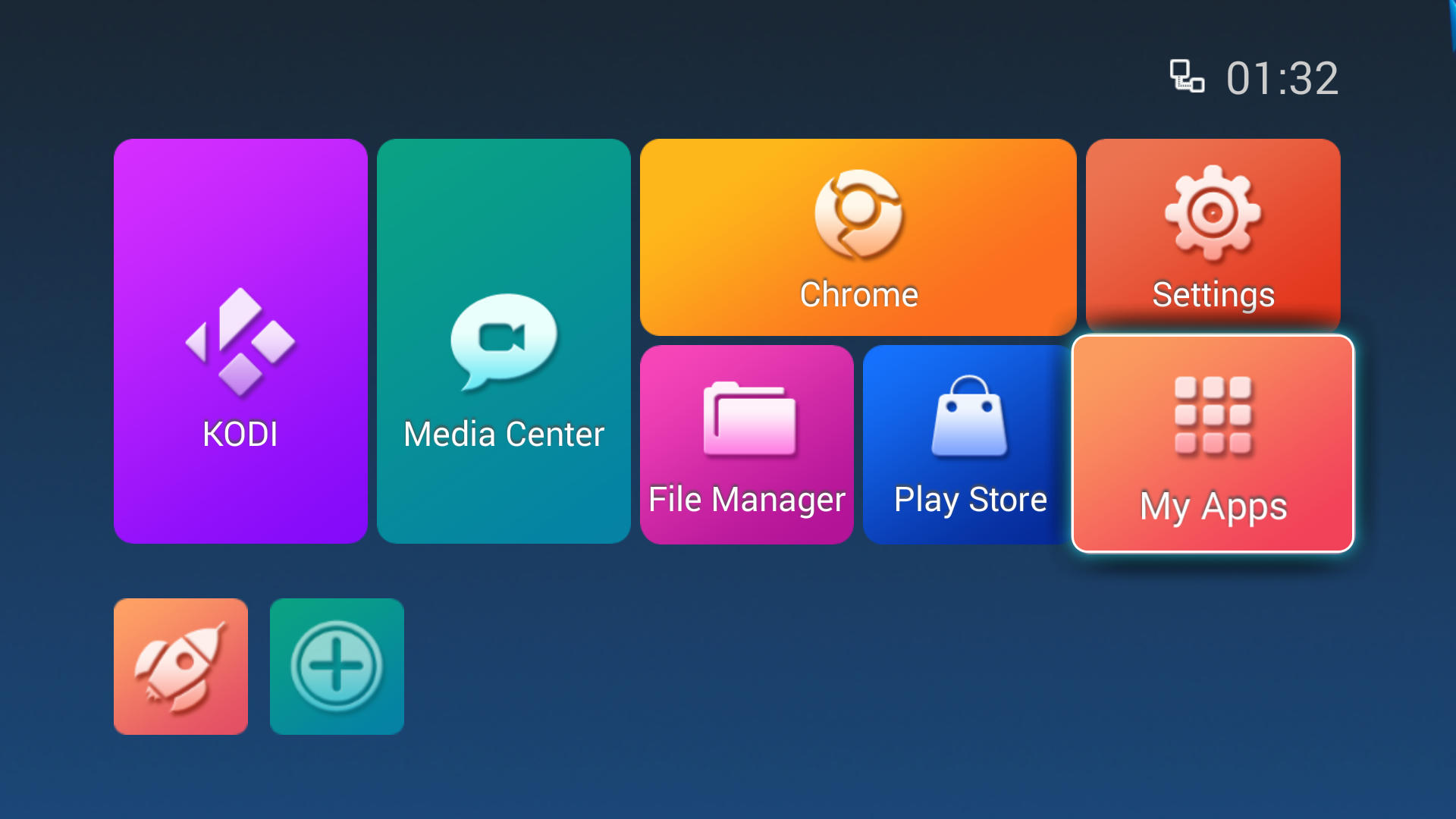
1. new launcher
2. support function of change wallpaper (!?)
3. support user set DEFAULT LAUNCHER
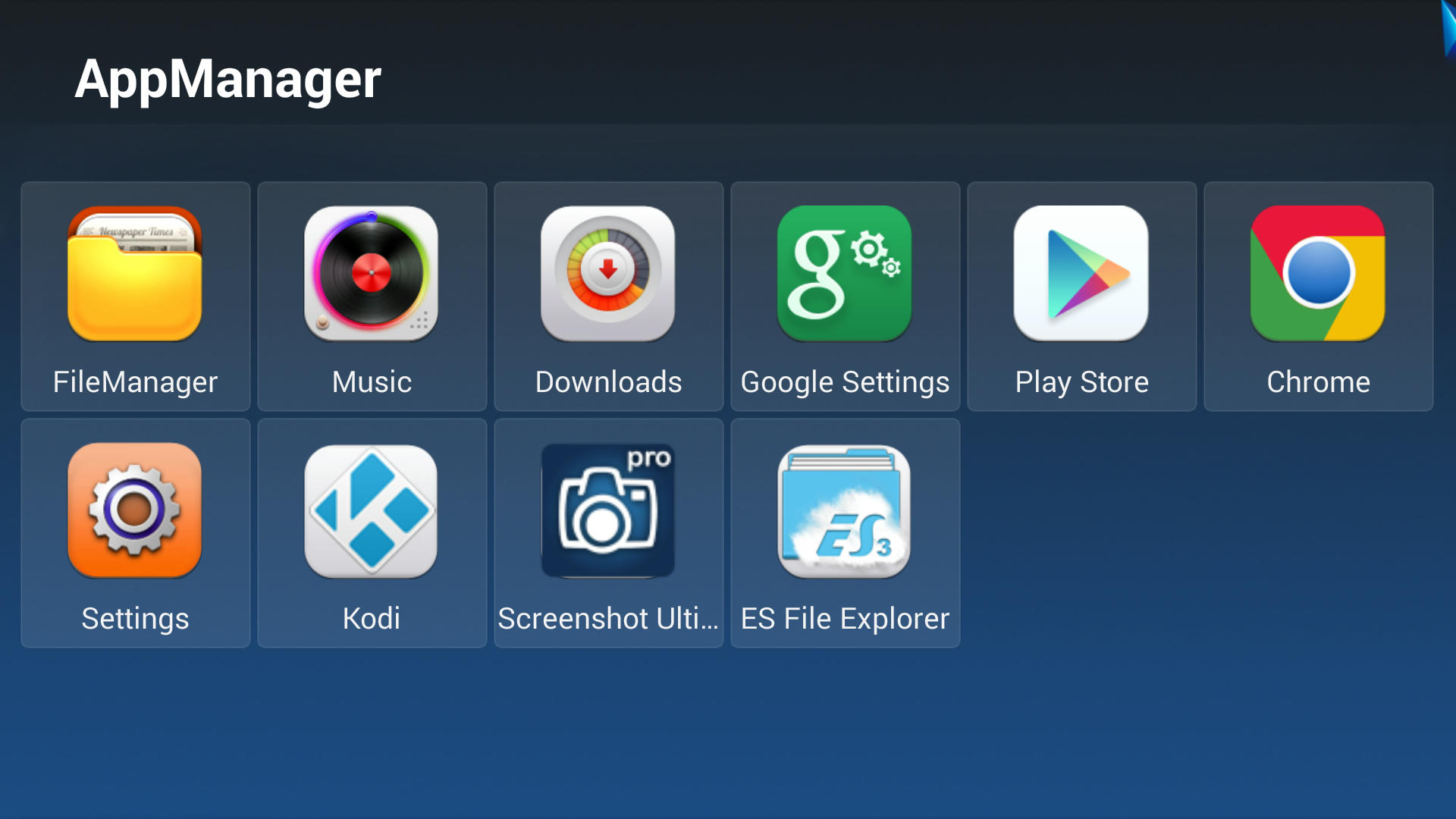
4. task management function
5. support ATMOS
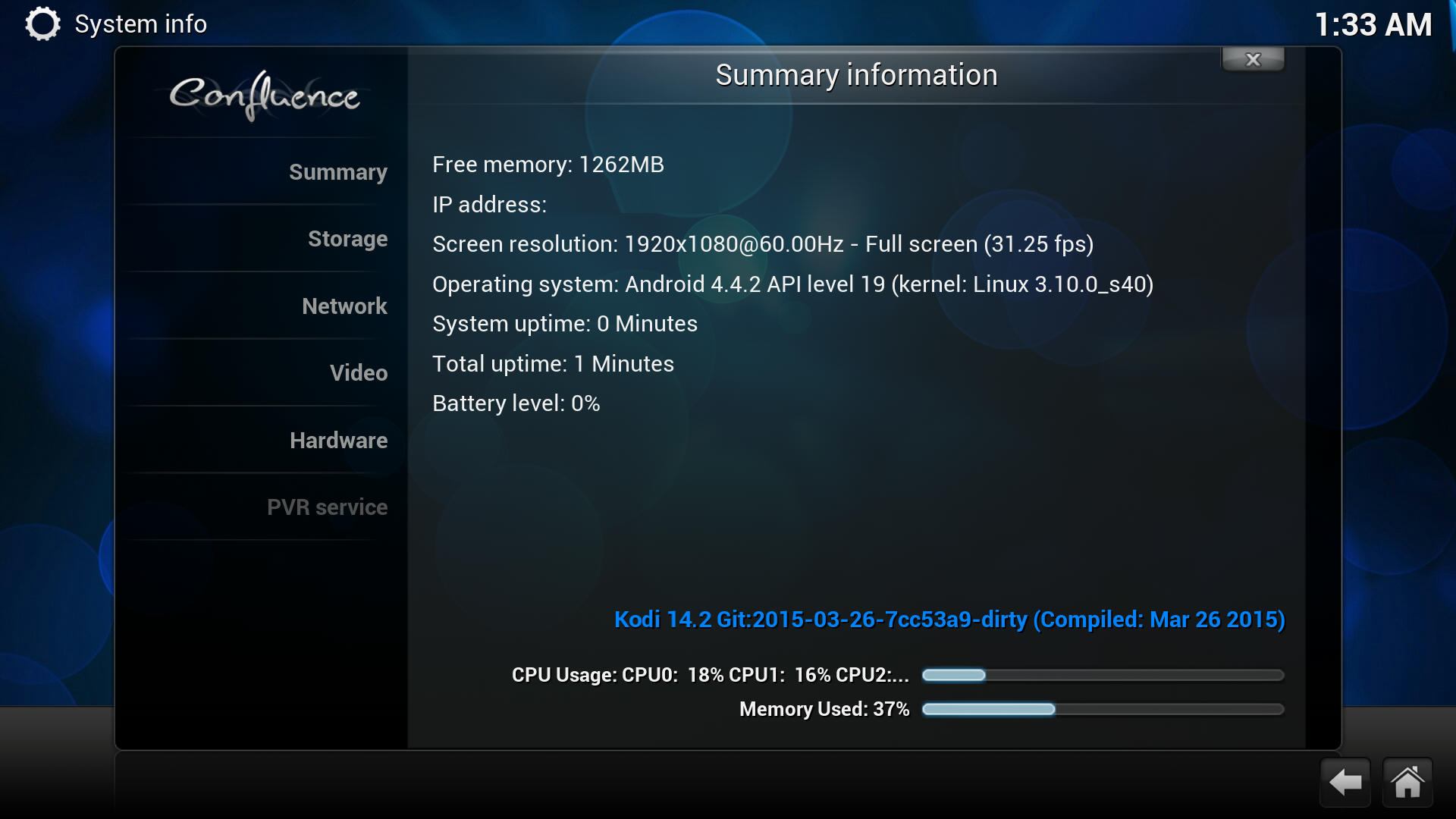
6. Kodi 14.2(Mar.26 2015)
7. Chrome browser as default browser
Installation Instructions:
1. Copy update.zip to the root of a USB pen drive.
2. Insert the USB pen drive into any USB port of the Q5 quad.
3. With the Q5 quad turned off, use a paper clip or pen to press and hold the the pinhole restore button on the side of the Q5 quad(next to the USB ports).
4. While keeping the restore button pressed, turn on the Q5 quad.
5. The Q5 quad will show an Android droid logo and proceed to upgrade the firmware.
6. The box will auto-reboot when finished.
Download:
http://www.mediafire.com/download/3hn6844cgaqsw3r/update.zipDon't forget to install google play fix this is Official FW (untouched)
http://www.mediafire.com/?48zz6a5etnbh4ac.
All credits to Cristian Stoica . Thanks.
 Topic: New Firmware Q5 4K3D HMD-1.0.8 2015-04-16.203017 (Read 11082 times)


 INCLUDES EXPRESS 2-4 DAY DELIVERY