
UK BASED ∙ UK STOCK ∙ ESTABLISHED 2010
2 YEAR WARRANTY ∙ FAST DELIVERY
EXPERT TECHNICAL SUPPORT
 CHANGE:


R_volution have released a new firmware for their Amlogic based players, including R_volution PlayerOne 8K and R_volution PlayerMini.
Version 260615_2224_r24, 18-JUN-2026.
The firmware is being rolled out OTA (over the air) so boxes will receive a notification prompting to update.
R_volution PlayerMini 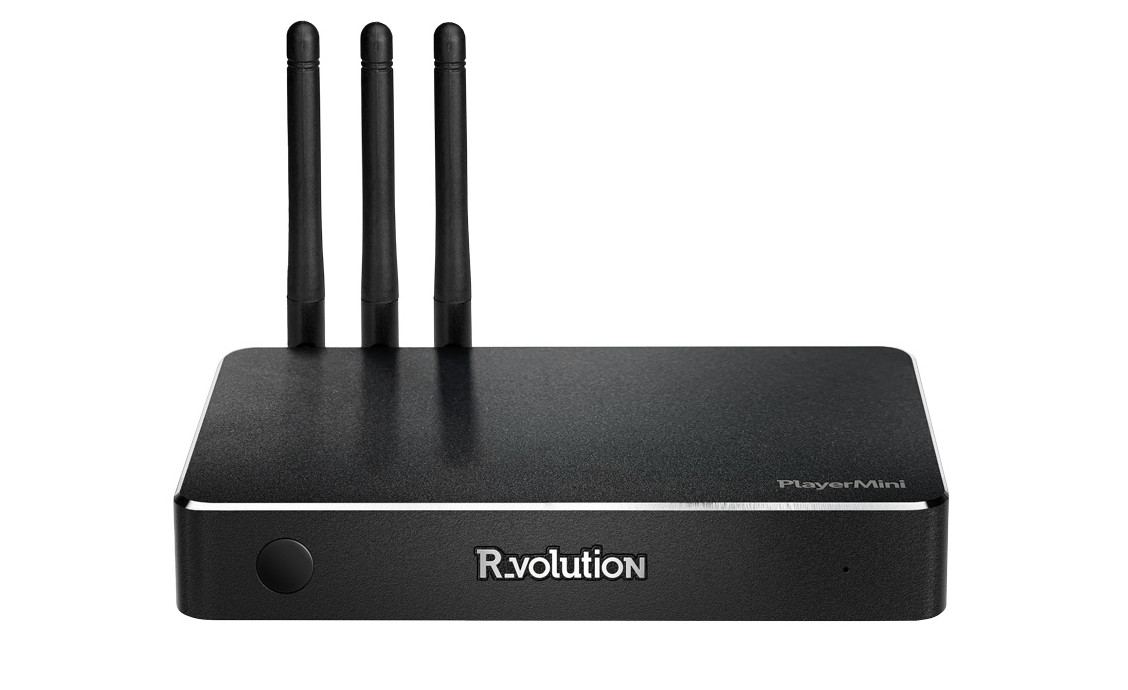 4K Media Player with R_video.  £259.99 | R_volution PlayerOne 8K 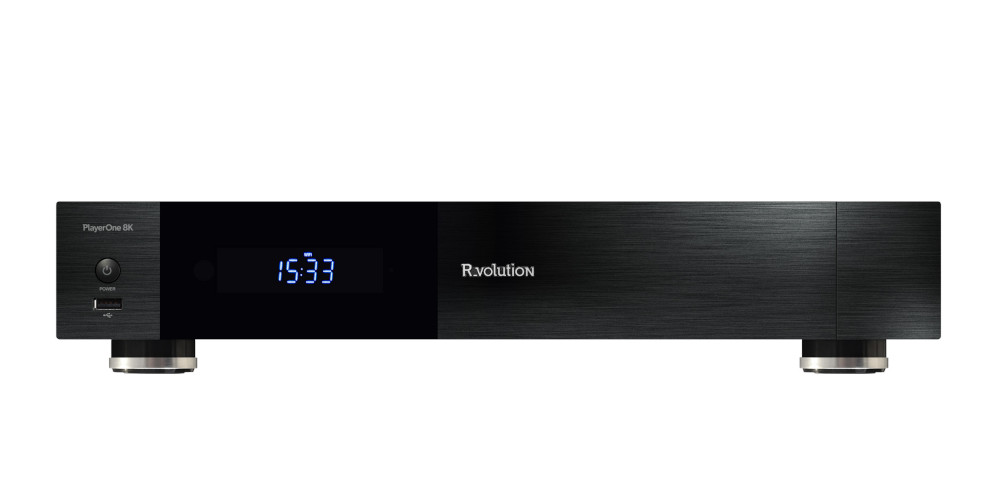 Professional 8K Media Player with 3.5" HDD and R_video. £689.99 |
New features:
- The player menu now allows access to Blu‑ray ISO playlists.
- Added picture controls (brightness, contrast, saturation) for video playback (popup menu > Picture settings).
- Added hotkeys to toggle AI PQ and AI SR during playback (long‑press keys 5 and 6). Note: some file formats may not support these settings.
- Enhanced video output settings. Added new options (Setup > Video > Additional Video Settings): “Prefer HDR10+ over DV”, “Ignore EL/RPU from DV”, “Ignore interlaced modes for AFR/AR”, and “HDCP”. HDCP is now disabled by default. Some video settings have been reorganized.
- New UI for audio playback. Improved layout, enhanced controls, added a modern spectrum analyzer, and introduced switchable wallpapers.
- Added a firmware update system for the HDMI controller.
- Added an OSD info panel displaying the current slideshow title, quality (High Resolution), photo zoom level, and rotation.
- Added an option to display images in interlaced mode for AFR/AR video playback.
- Added an option for HDCP management.
- Added an option to prioritize HDR10+ over Dolby Vision when both formats are available in the content.
- Added an option to ignore Dolby Vision EL/RPU.
- Added an option for DNS server management.
- Added DLNA renderer management options.
- Added an option to save subtitles next to video files directly from the Explorer.
- Added an option to adjust subtitle brightness.
- Added an option to check availability when accessing SMB servers.
- Added Wake‑on‑LAN support for SMB/NFS shares (configurable when creating/editing a network folder; global WoL settings in Setup > Misc > Network: “Server wait time after WoL”, “Show message after WoL”).
- Improved handling of inaccessible shares and added an option to enable/disable availability checks (Setup > Misc > Network > Check server availability on access).
- Added an SMB client optimization/compatibility option (Setup > Misc > Network > Optimize SMB client for exFAT/FAT).
- Beta feature: Added support for USB optical drives (same functionality previously available on RTD1619DR models).
More details and download links can be found here: https://www.rvolution.com/rvolution-playerone-8k-firmware-updates.
R_volution PlayerMini 4K Media Player with R_video. £259.99 | R_volution PlayerOne 8K Professional 8K Media Player with 3.5" HDD and R_video. £689.99 |
News section index and archive: futeko.com - News.
R_volution PlayerMini 4K Media Player with R_video. £259.99 | Ugoos SK4 Pro + Gigabit Ethernet + Multi-USB 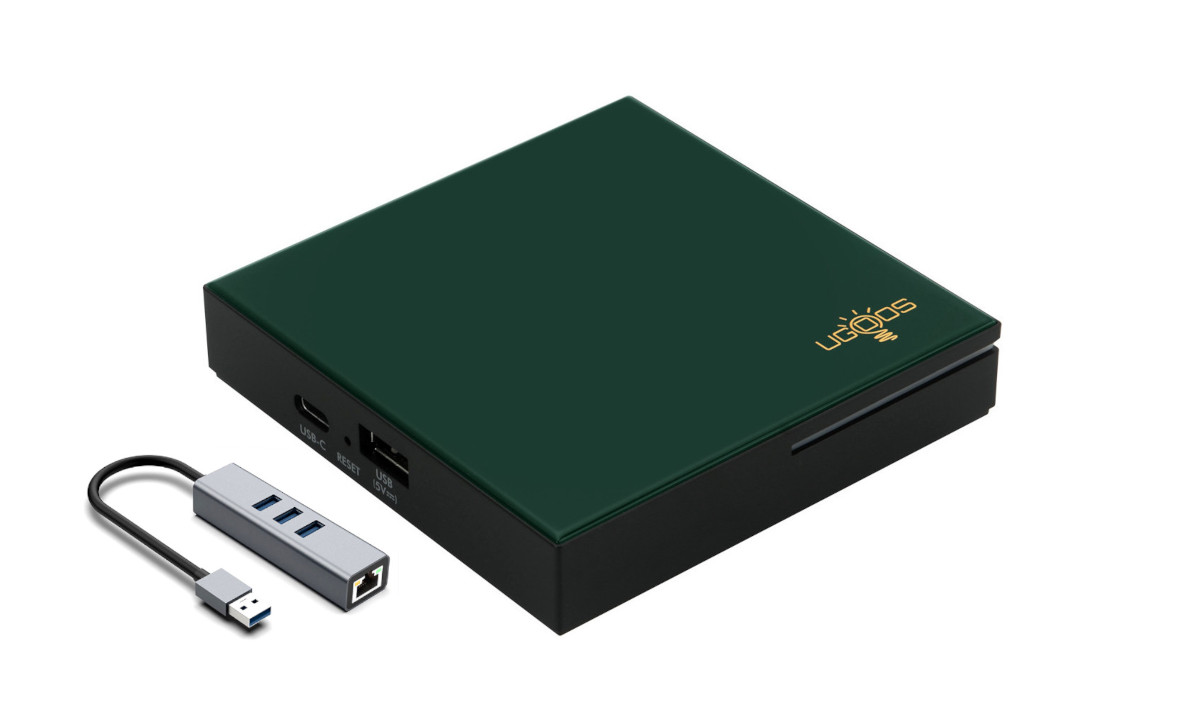 4K Android Media Player with 4GB RAM, multi-USB & Gigabit Ethernet. CoreELEC Dolby Vision FEL compatible.  £139.99 | Zidoo Z9X 8K  8K Media Player.  £289.99 | Zidoo Z3000 Pro  8K Media Player with 3.5" HDD bay and dual HDMI. £439.99 | Zidoo Z30 Pro  8K Media Player with 3.5" HDD bay. £369.99 |