
UK BASED ∙ UK STOCK ∙ ESTABLISHED 2010
2 YEAR WARRANTY ∙ FAST DELIVERY
EXPERT TECHNICAL SUPPORT
 CHANGE:


This guide will show you how to install dual-boot CoreELEC on Ugoos SK4 Pro without the need for additional cables or a PC (without ADB).
1. PREPARE COREELEC BOOTABLE USB FLASH DRIVE
- Download the latest CoreELEC build: https://relkai.coreelec.org/?dir=Amlogic-no/ce-22. Choose 'Amlogic-no.......Generic.img.gz'.
- Create a bootable USB flash drive of the downloaded image using Rufus (Windows) or similar image writing app (e.g. 'USB Image Writer' in Linux).
- Open the 'device_trees' folder of the CoreELEC USB drive you have just created.
- Locate the correct 'dtb' file. For Ugoos SK4 Pro this is 's7d_s905x5m_ugoos_sk4.dtb'.
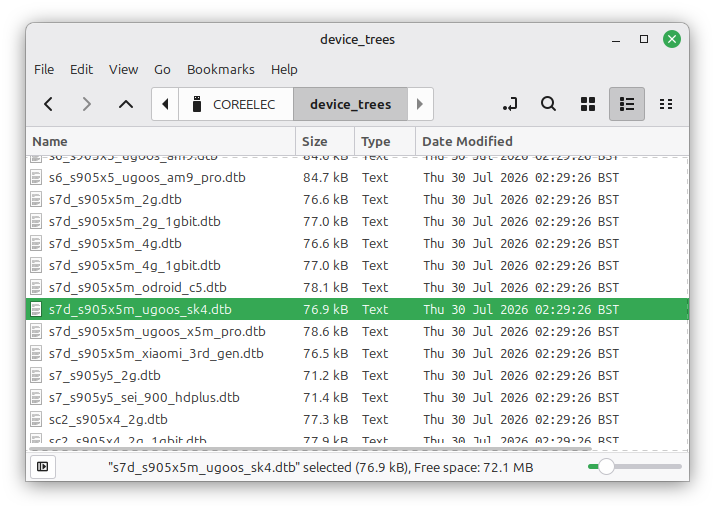
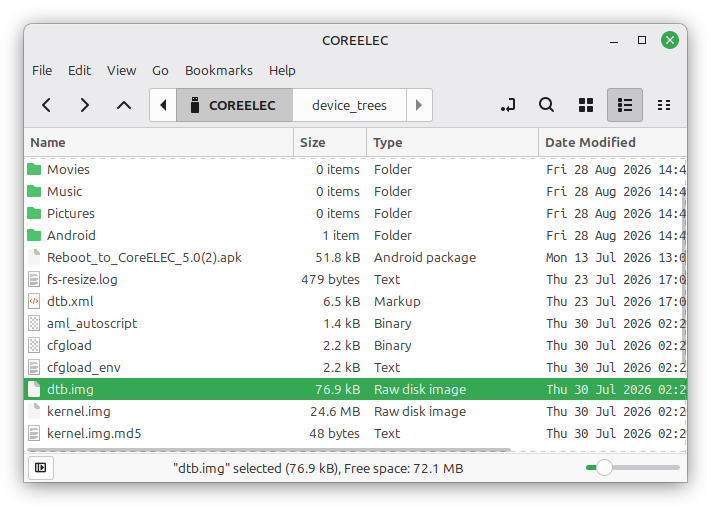
- Copy this file into the root of the USB drive and rename it to 'dtb.img':
Ugoos AM9 Pro  4K CoreELEC compatible Android Media Player.  £270.24 | Ugoos SK4 Pro + Gigabit + Multi-USB  4K CoreELEC compatible Android Media Player + multi-USB & Gigabit Ethernet. £187.99 | Ugoos UR02 Remote  Ugoos UR02 Bluetooth Airmouse Voice Remote. £41.11 | Ugoos SK4 Pro  4K CoreELEC compatible Android Media Player. £176.24 |
2. INSTALL COREELEC
- On a PC/Mac, download 'Reboot_to_CoreELEC_5.0.apk' and copy to a USB flash drive. This can be any USB drive but it's convenient to use the CoreELEC one you just created. Download here: https://github.com/jamal2362/Reboot-to-CoreELEC/releases.
- Insert USB flash drive into Ugoos SK4 Pro. Using the file browser app select the 'Reboot_to_CoreELEC_5.0.apk' file to install it.
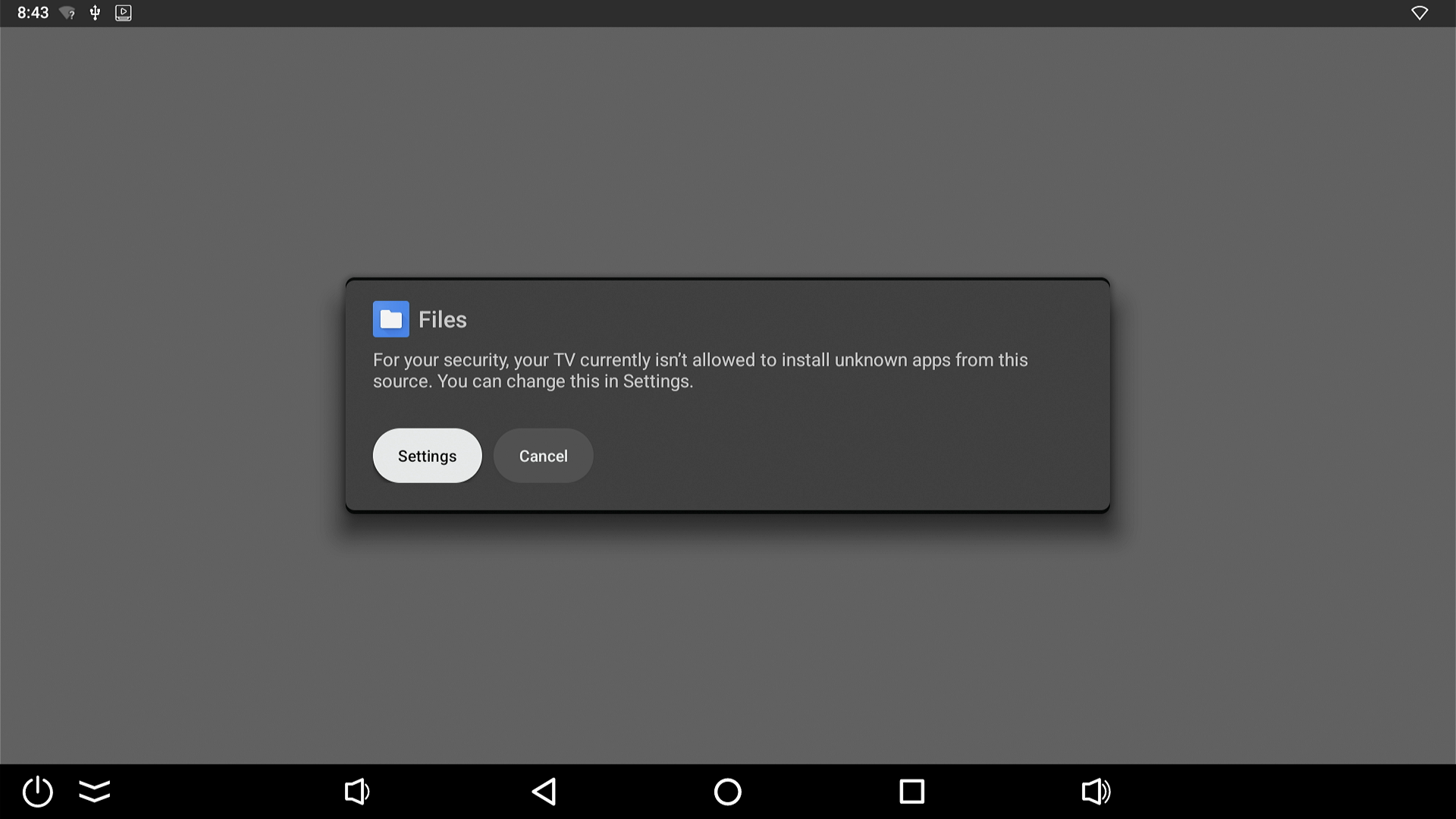
- You may get a pop-up saying that 'For your security your TV currently isn't allowed to install unknown apps from this source'. Go to settings and enable installation of unknown apps for the 'Files' app (or whichever app you're using to browse to the .apk file).
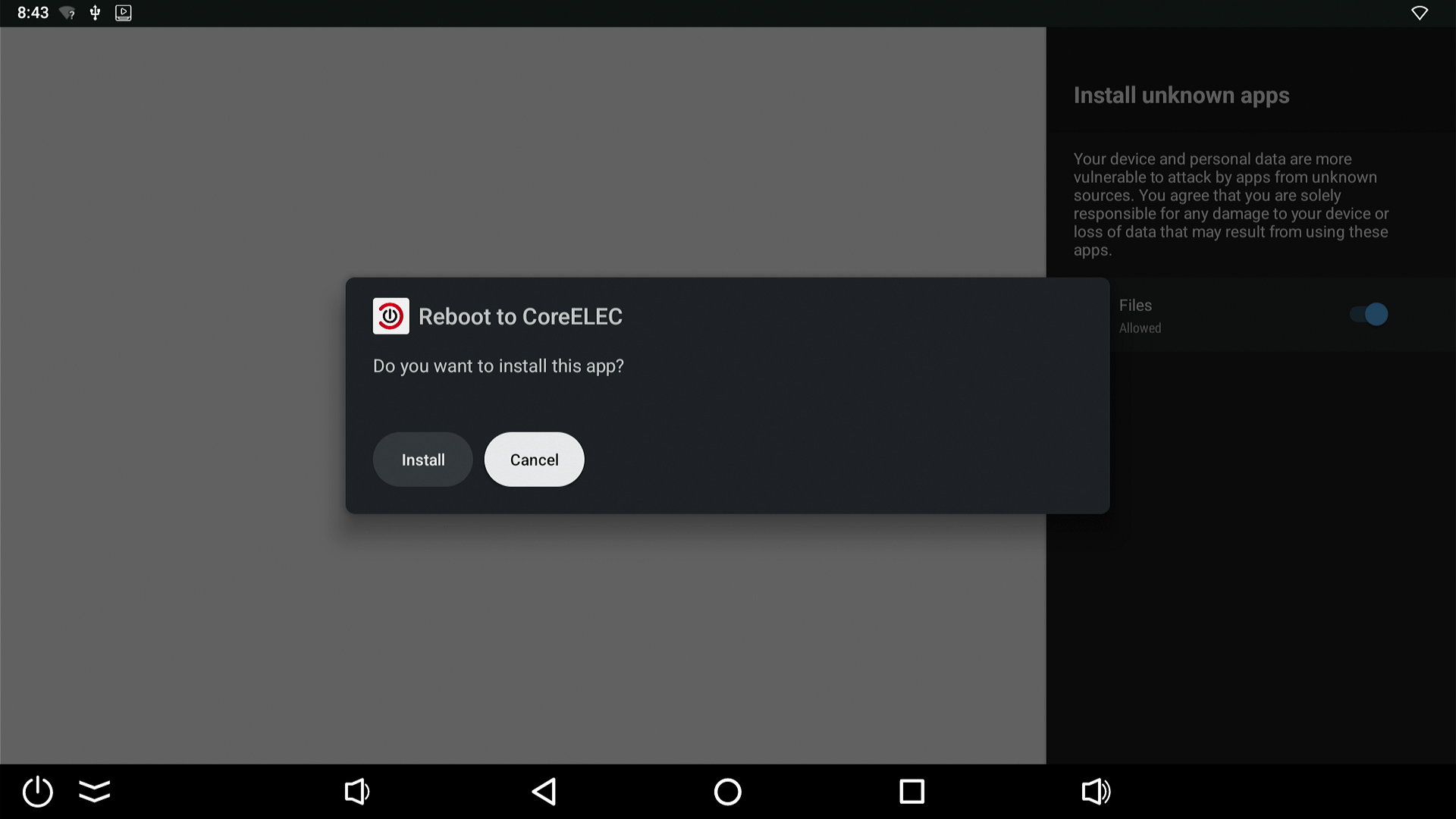
- Install Reboot to CoreELEC. It will now appear in your app drawer.
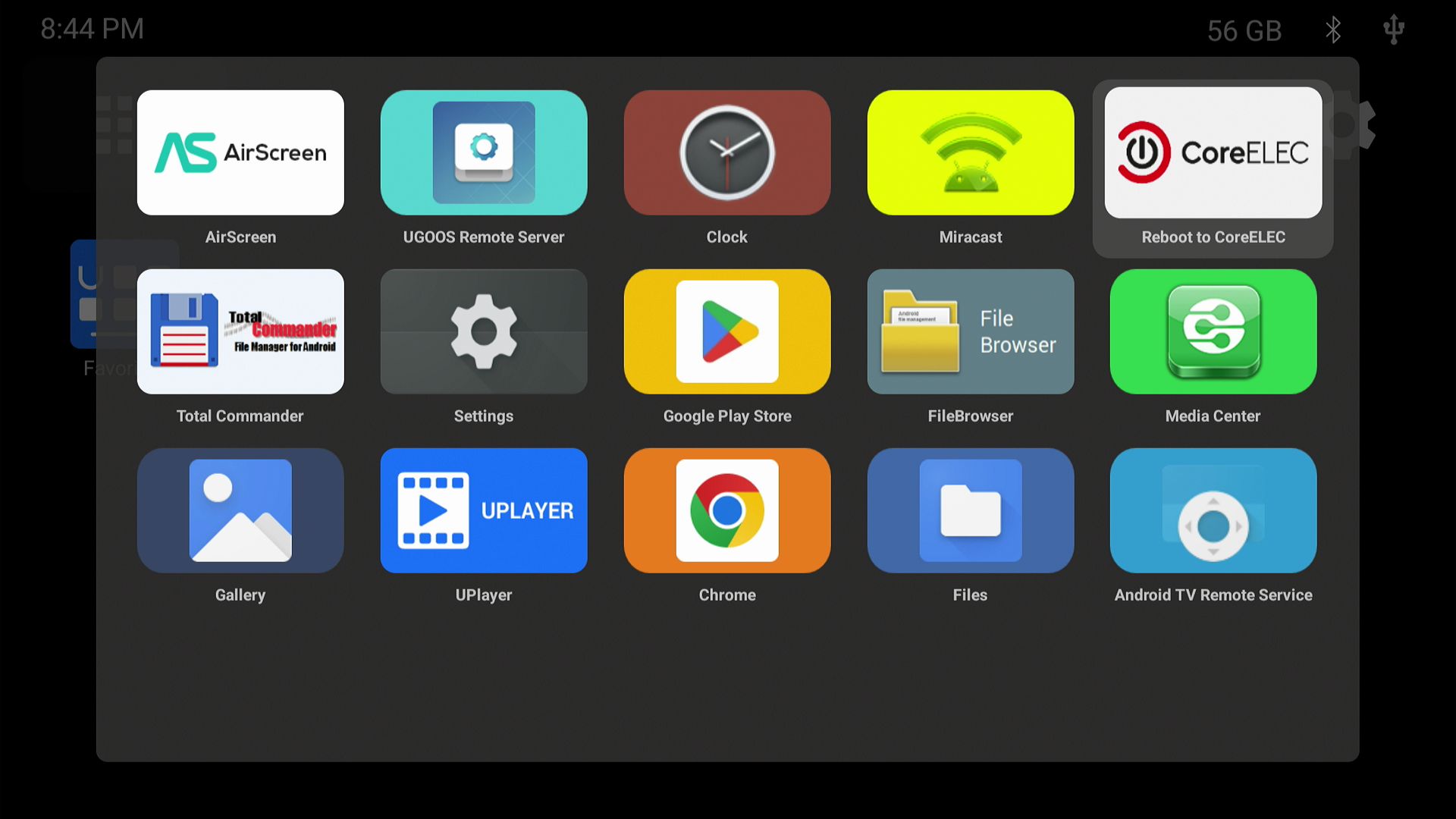
Ugoos SK4 Pro + Gigabit + Multi-USB 4K CoreELEC compatible Android Media Player + multi-USB & Gigabit Ethernet. £187.99 | Ugoos UR02 Remote Ugoos UR02 Bluetooth Airmouse Voice Remote. £41.11 | Ugoos AM9 Pro 4K CoreELEC compatible Android Media Player. £270.24 | Ugoos SK4 Pro 4K CoreELEC compatible Android Media Player. £176.24 |
- Enable Developer Mode on the Ugoos SK4 Pro.
- Go to Settings - Device Preferences - About. Place cursor over 'Android TV OS build' and press remote OK button 7 times.
- A message will pop up at the bottom of the screen saying 'You are now a developer!'.
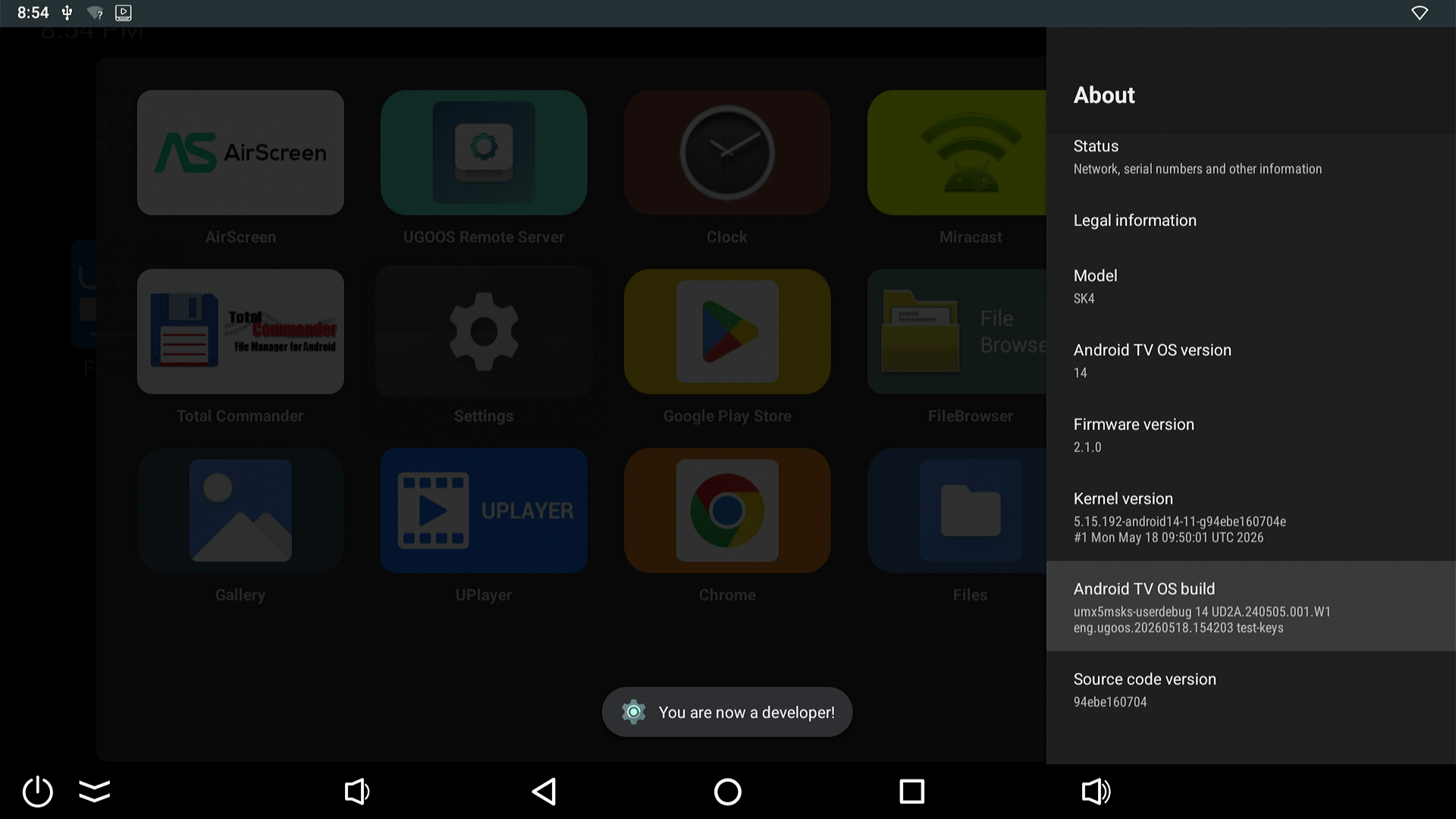
- You will have a new menu item at Settings - Device Preferences, 'Developer options'.
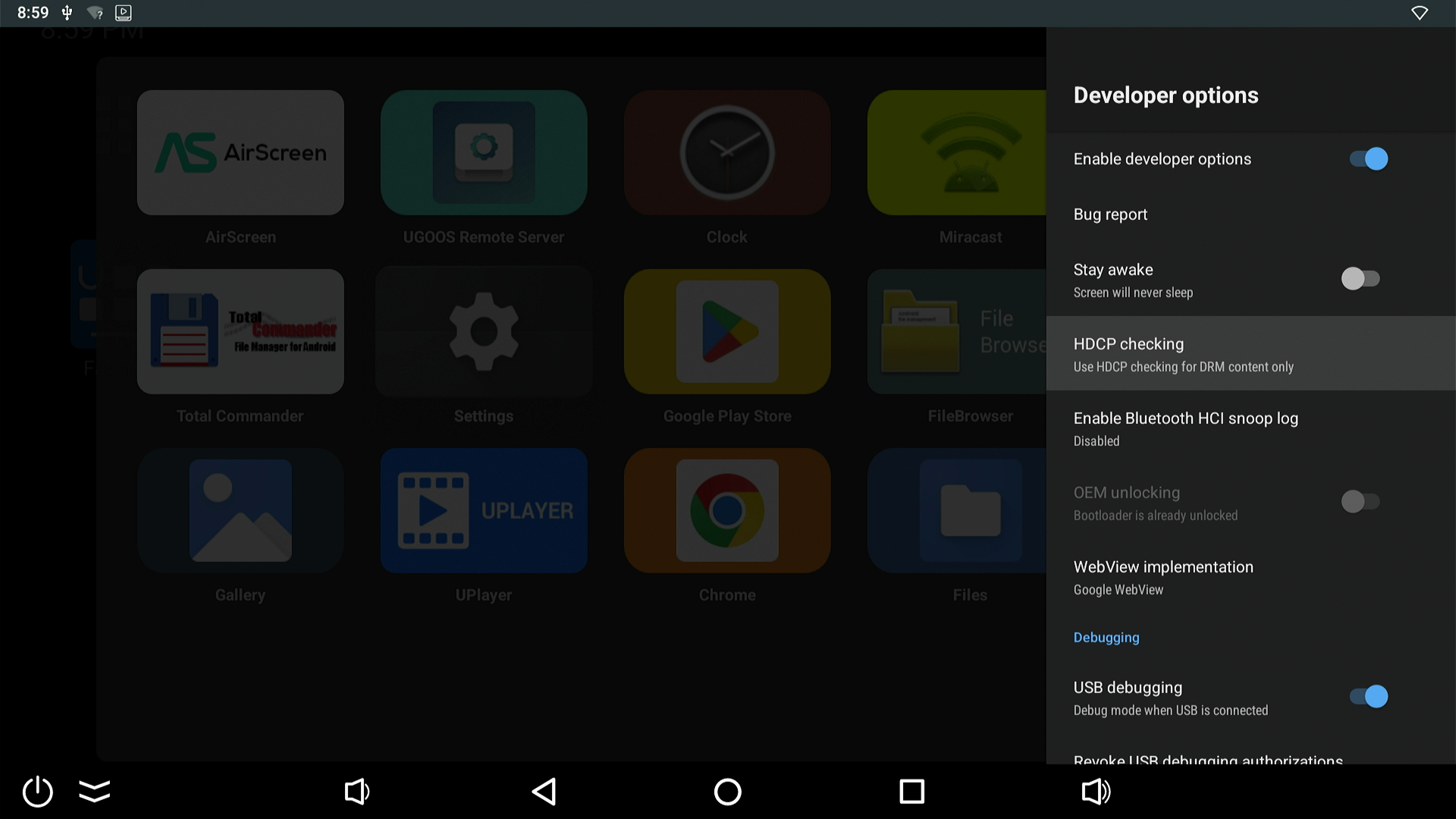
- In 'Developer options' make sure 'Enable developer options' and 'USB debugging' are enabled.
- Insert the CoreELEC bootable USB flash drive you prepared earlier into Ugoos SK4 Pro.
- Run the 'Reboot to CoreELEC' app and select 'FIRST REBOOT'.
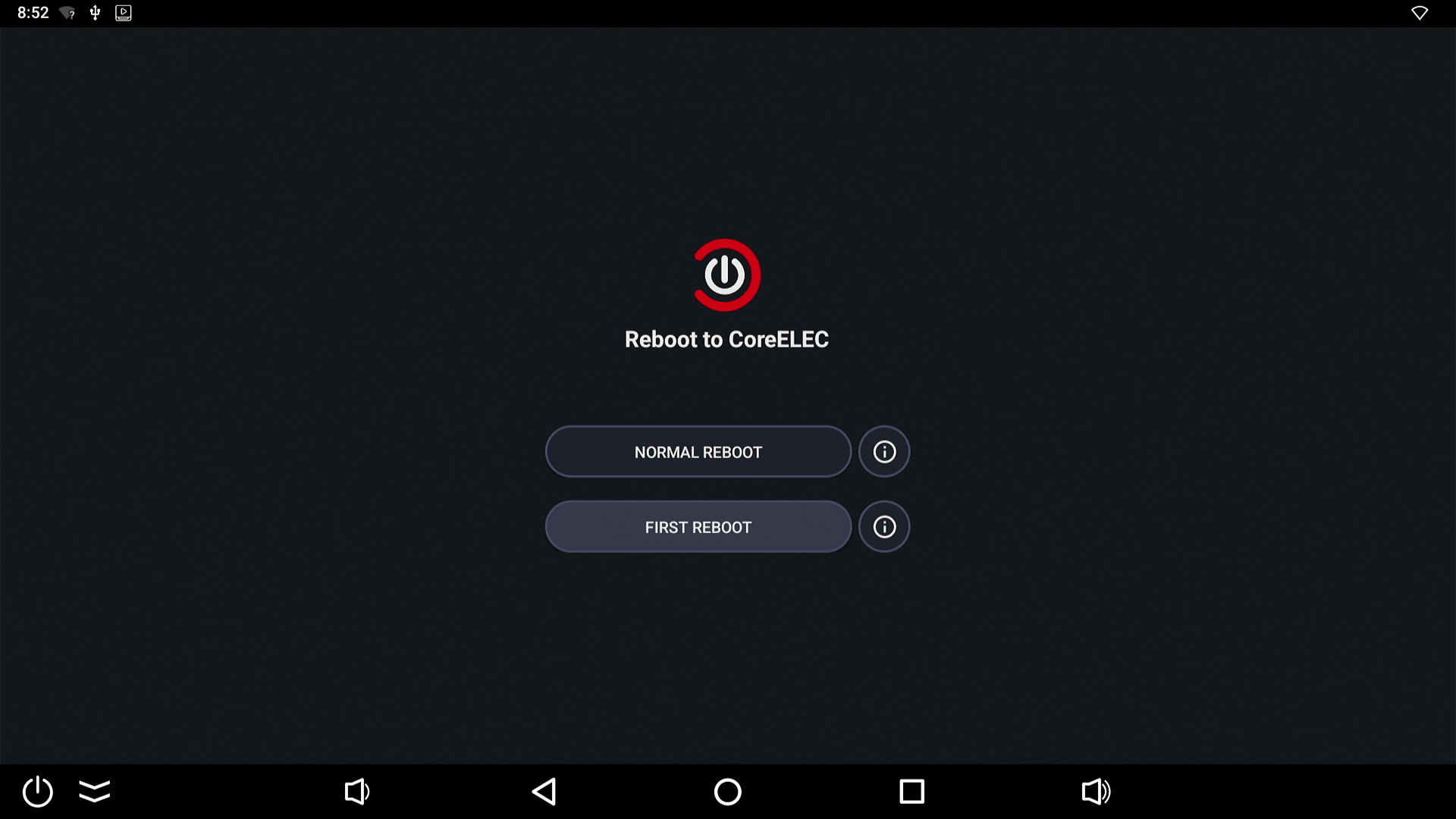
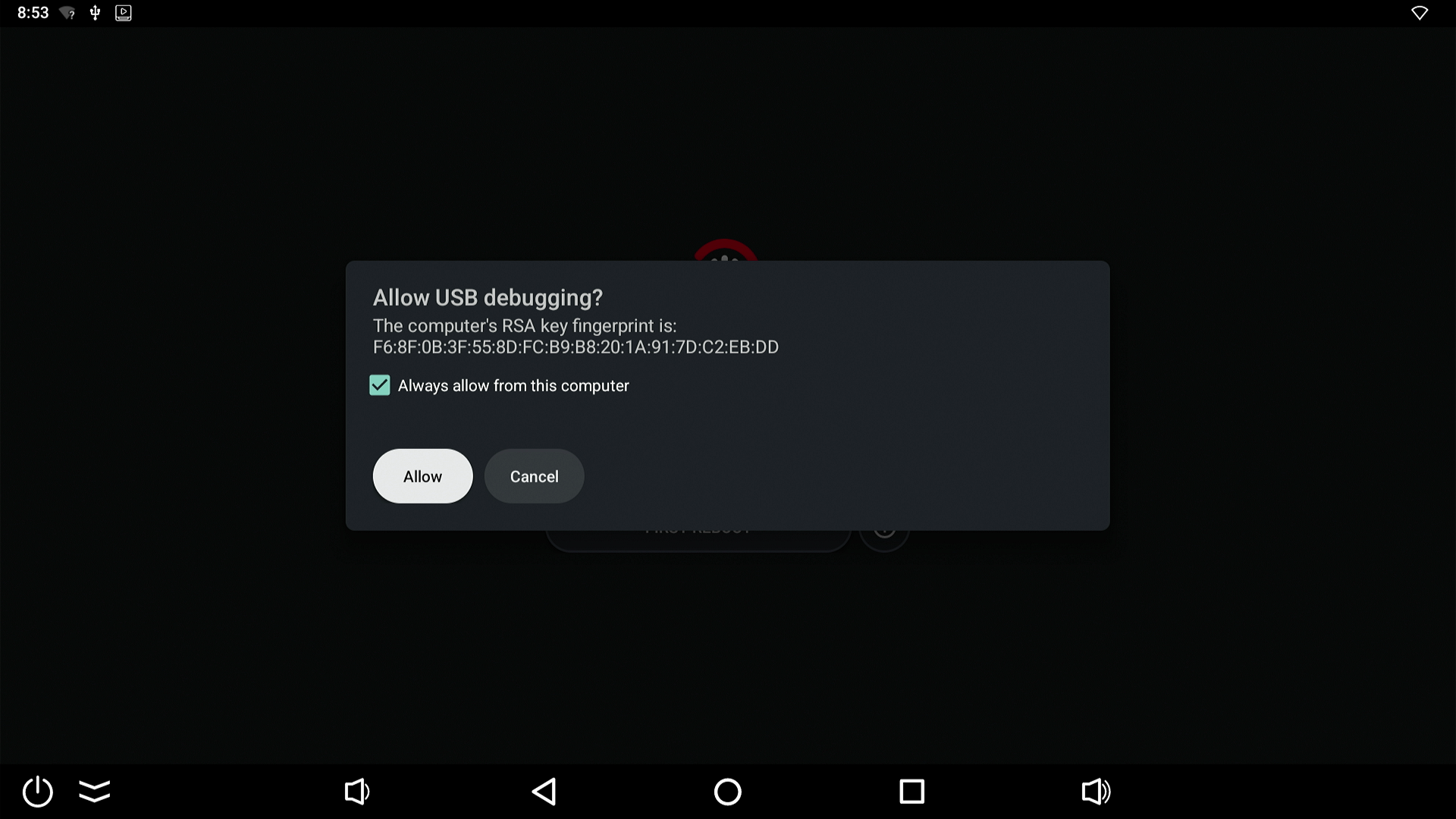
- Ugoos SK4 Pro will reboot and install CoreELEC to the USB flash drive.
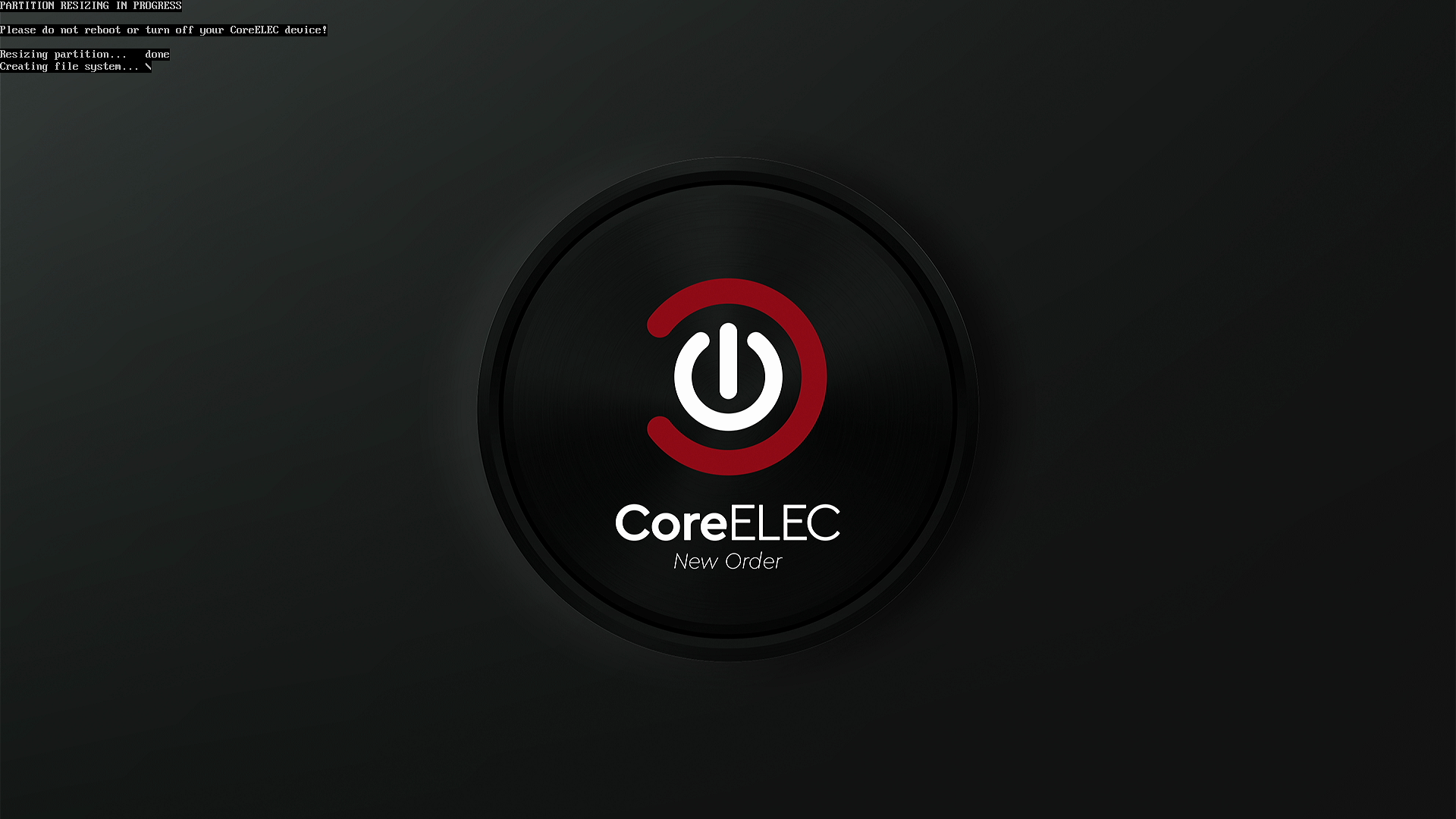
- Ugoos SK4 Pro will now boot into CoreELEC unless you remove the USB drive or select 'boot from eMMC' in the CoreELEC shutdown menu.
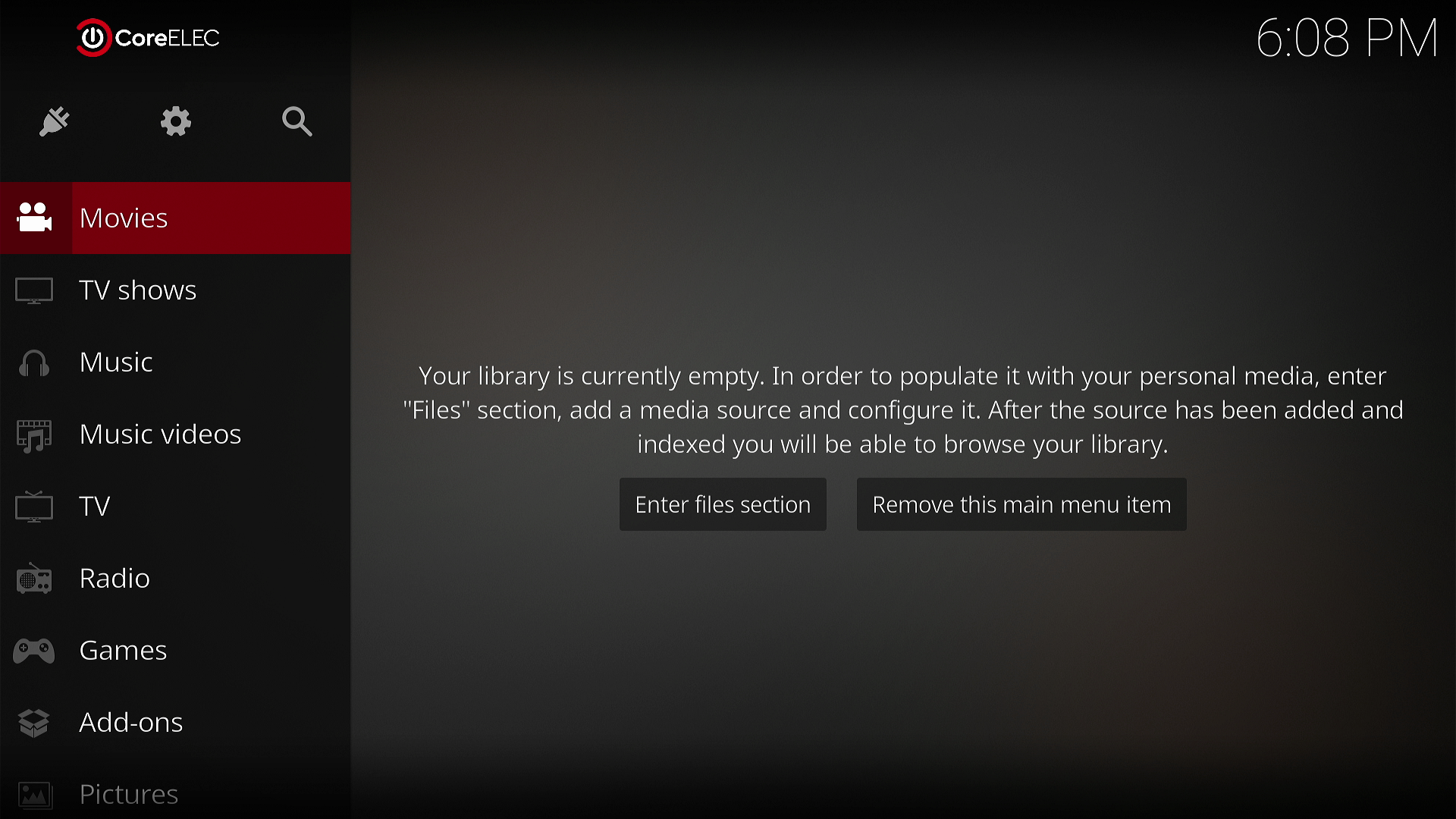
- After CoreELEC has been installed you can disable developer options in Android settings. This is recommended because when enabled it will disable the USB port for storage.
Ugoos SK4 Pro + Gigabit + Multi-USB 4K CoreELEC compatible Android Media Player + multi-USB & Gigabit Ethernet. £187.99 | Ugoos UR02 Remote Ugoos UR02 Bluetooth Airmouse Voice Remote. £41.11 | Ugoos SK4 Pro 4K CoreELEC compatible Android Media Player. £176.24 | Ugoos AM9 Pro 4K CoreELEC compatible Android Media Player. £270.24 |
News section index and archive: futeko.com - News.
Ugoos SK4 Pro 4K CoreELEC compatible Android Media Player. £176.24 | Zidoo UHD8000  8K Media Player with 2x 3.5" HDD bays , ESS audio DAC and dual HDMI.  £1045.74 | Zidoo Z9X 8K  8K Media Player. £364.24 | R_volution PlayerOne 8K 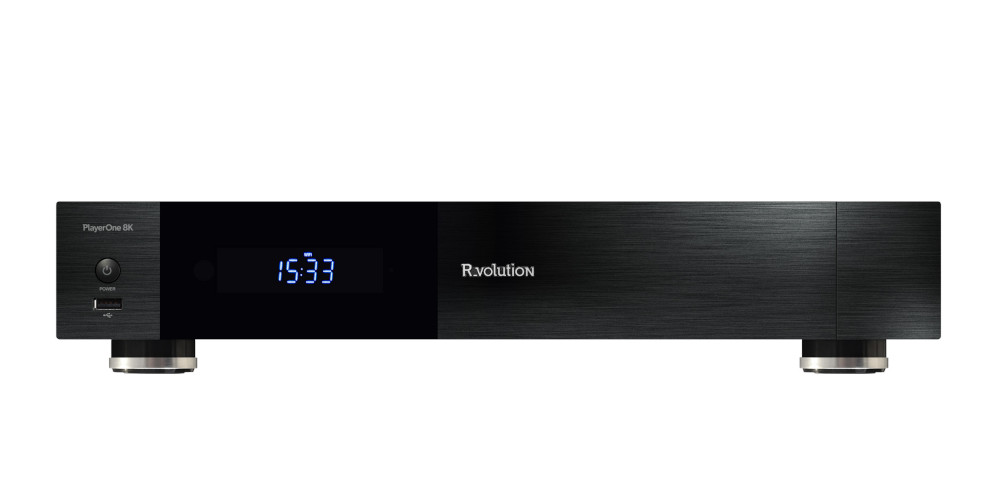 Professional 8K Media Player with 3.5" HDD and R_video for easy library management.  £857.74 | Ugoos AM9 Pro 4K CoreELEC compatible Android Media Player. £270.24 |

