Hi mulholland2
Because you ask about Titanium backup I suppose you have knowledge about android adb.
Option 1
- Download ADB Kits (525 KB) http://adbshell.com/upload/adb.zip
- Unpack adb.zip Ex: C:\adb
- Open command prompt, change folder to C:\adb
- run command from post up, where ip_player need to be replaced it media player ip Ex: 192.168.xxx.yyy
Option 2
Because you use Titanium backup your box is rooted
- install Terminal form Google Play https://play.google.com/store/apps/details?id=jackpal.androidterm&hl=en
- open and run
su
busybox sed -i '/television/d' /etc/permissions/tablet_core_hardware.xml
Option 3
If box is rooted
- Use root explore to edit /etc/permissions/tablet_core_hardware.xml
- delete line
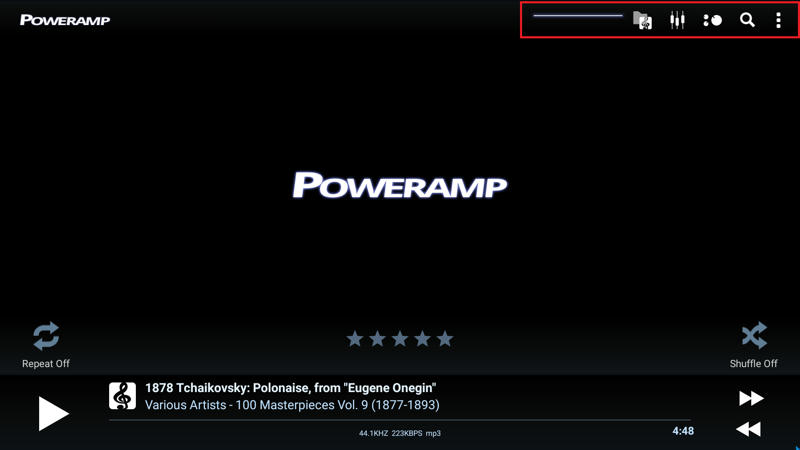
<feature name="android.hardware.type.television" />LE: Poweramp --> this what will fix.
If you still need help
send private message.
Respect Cristian
thank you, but how do I do this exactly? For example Poweramp
 Topic: Himedia Q10 Android application compatibility (Read 10690 times)





 INCLUDES EXPRESS 2-4 DAY DELIVERY